Build a clear flowchart for a medical learning topic
Line MindMap · · Study workflow
Use processes, decisions, and labeled arrows to explain a sequence while keeping the diagram easy to revise.
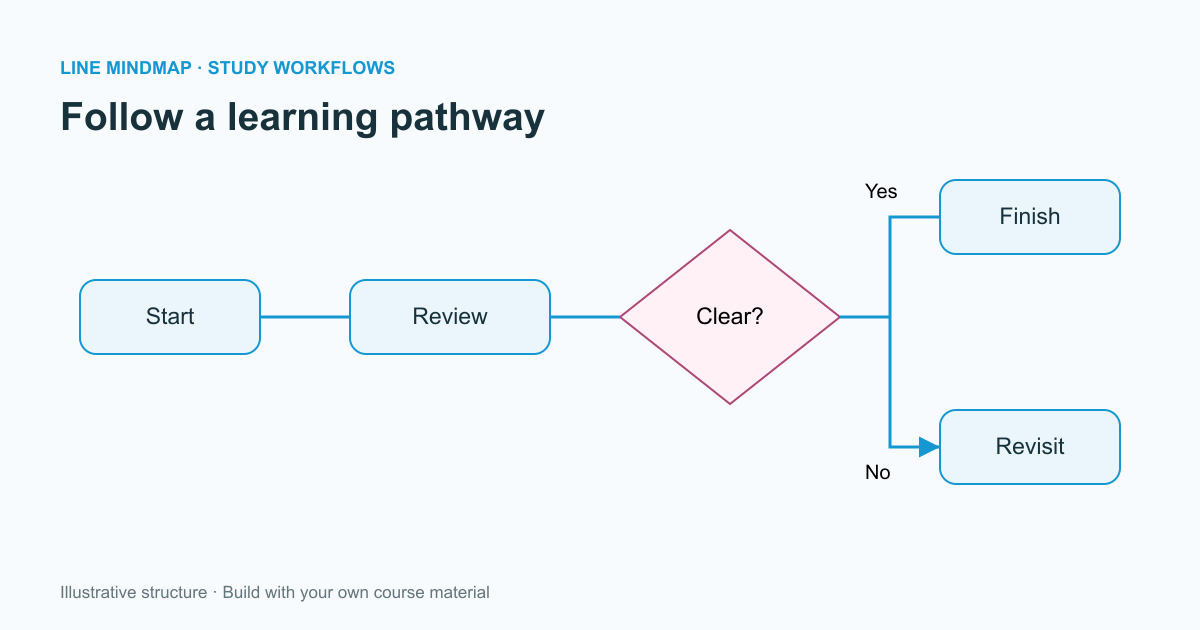
A flowchart is useful when order matters. It can show the stages of a study process, a sequence described in a course, or the questions used to organize a learning exercise. Unlike a mind map, which groups related topics, a flowchart asks the reader to follow a path.
Give each shape a job
Use a start or end shape to mark the boundary of the diagram. Use a process rectangle for a step and a decision diamond for a question with alternative paths. An input/output shape can identify information entering or leaving the process. Consistency matters more than decorative variety.
Write decision labels as questions that can be answered clearly. Label the outgoing connections so the reader knows which route to follow. “Yes” and “No” may be enough for a simple question; other situations need more specific conditions.
Create connections deliberately
In the Line MindMap flowchart workspace, add and position shapes, then use Connect to select a source and a destination. Moving a shape does not create a new relationship automatically. Existing arrows follow their shapes, allowing you to improve spacing without redrawing the whole chart.
Select a shape to change its text or color. Select an arrow to label or remove it. Keep labels concise enough to fit inside the shape, and split a complicated step into smaller parts when necessary.
Test the diagram by walking through it
Begin at the start and follow every possible path. Look for decisions with missing alternatives, arrows with unclear direction, and steps that cannot be reached. A return arrow should have a clear purpose; otherwise it can create an accidental loop in the explanation.
For medical coursework, check the underlying content against the original teaching resource. A flowchart can make an incorrect sequence look convincing, so a polished appearance is never evidence of accuracy. The sample learning workflow is a study illustration, not a diagnostic or treatment protocol.
Export and keep an editable copy
Use PNG for a high-resolution image, SVG for a scalable diagram, and the PDF action to open a print-ready version. Save JSON when you want to reopen and edit the flowchart later. Local saving is convenient, but a downloaded backup protects your work if browser storage is cleared or you move to another device.